
Welcome to Marshall’s Site!
In this post, I’ll share a few helpful tips to help you get the most out of the website.
Community:
How to type Hiragana?
Below is a guide from the website Tofugu.
You can follow this guide to type Hiragana and Katakana, which will make it easier to answer the online questions on this website.
Since there are multiple versions of romaji and they can cause confusion, I recommend becoming comfortable with typing in Hiragana directly.
How to add this site on the homescreen?

Below is a guide from the website “How to Geek”.
You can follow this guide to add this site on the homescreen, so it will be easier for you to access it!
How to review my quiz mistake?

After you did some quizzes on this website, you can review your quiz mistake anytime like below.
| Desktop: If you are on desktop, you can hover on your avatar, and then click “My Quiz History”. 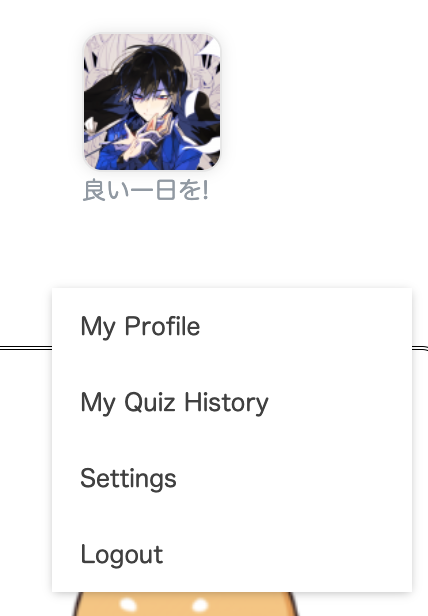 And then, you can see the page like below. 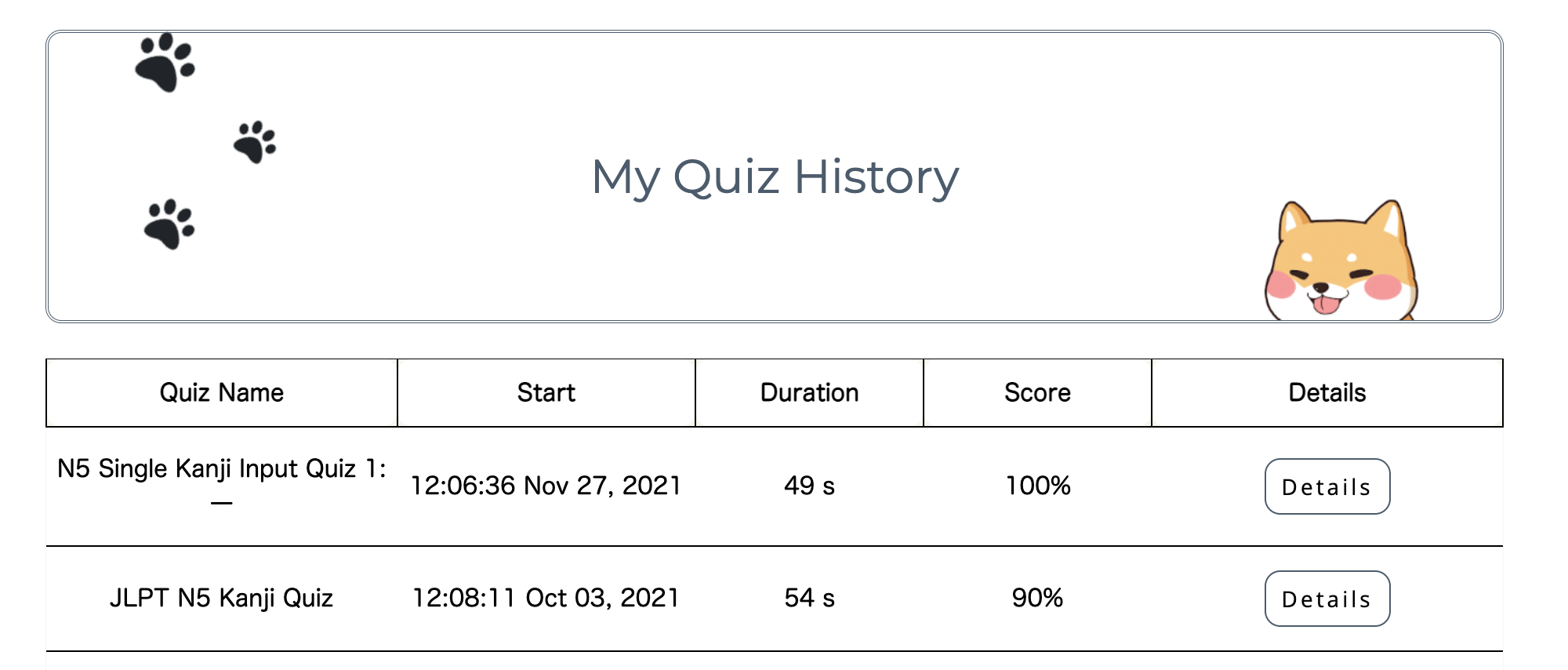 If you want to review your mistake, just click the 【Details】. 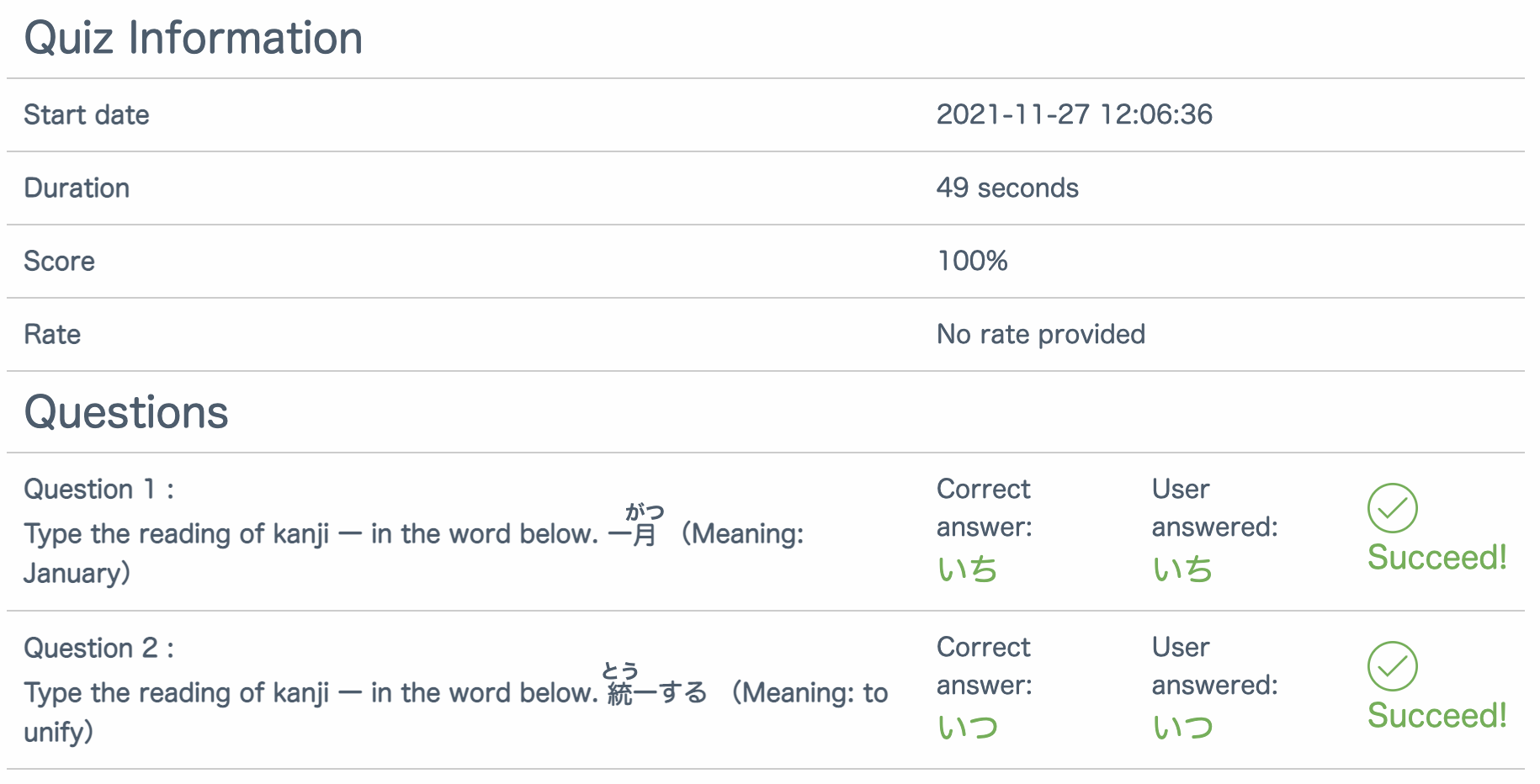 |
| Mobile: If you are on mobile, you can click the arrow on the right of your avatar, and then click “My Quiz History”. 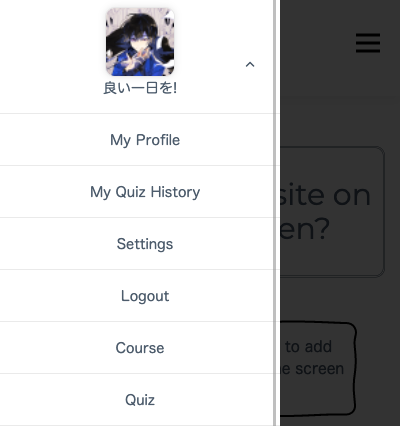 |